Appearance
Pixie: fix emojis rendering as squares
Background
Some Pixie players don't render emojis correctly in apps such as the LinkedIn app — they show up as squares instead of the emoji glyph.
Prerequisites
- A USB keyboard
- Optionally a USB mouse
- A Pixie player connected to the internet (cable or Wi-Fi)
The fix
Connect a keyboard
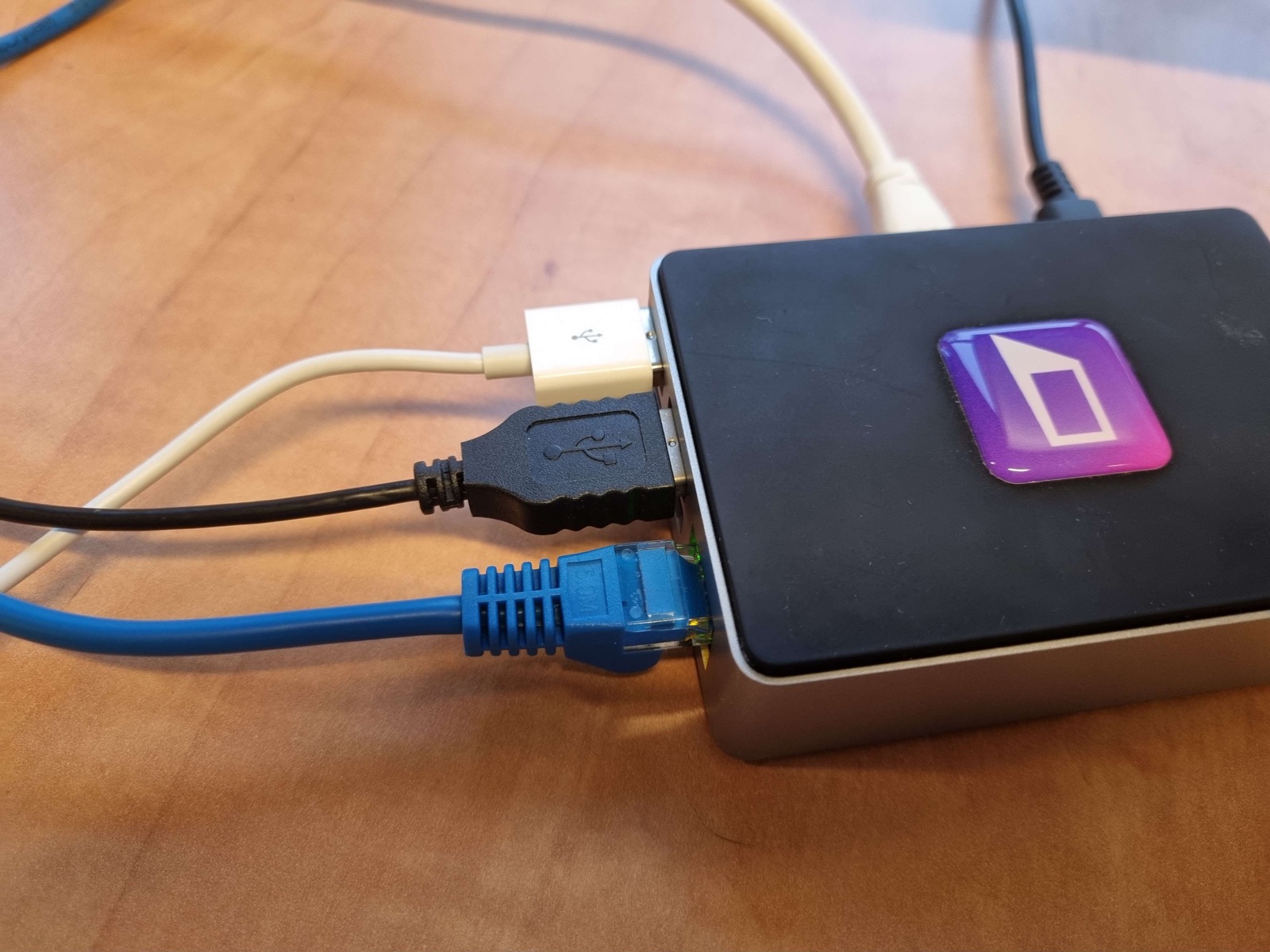
Connect a USB keyboard (and optionally a mouse) to the Pixie:
Open the terminal
Press Ctrl + Alt + T. If the terminal doesn't open, press the Windows key, then navigate to System Tools > LXTerminal.
Install the emoji font
bash
sudo apt-get install -y fonts-noto-color-emojiVerify the font installed
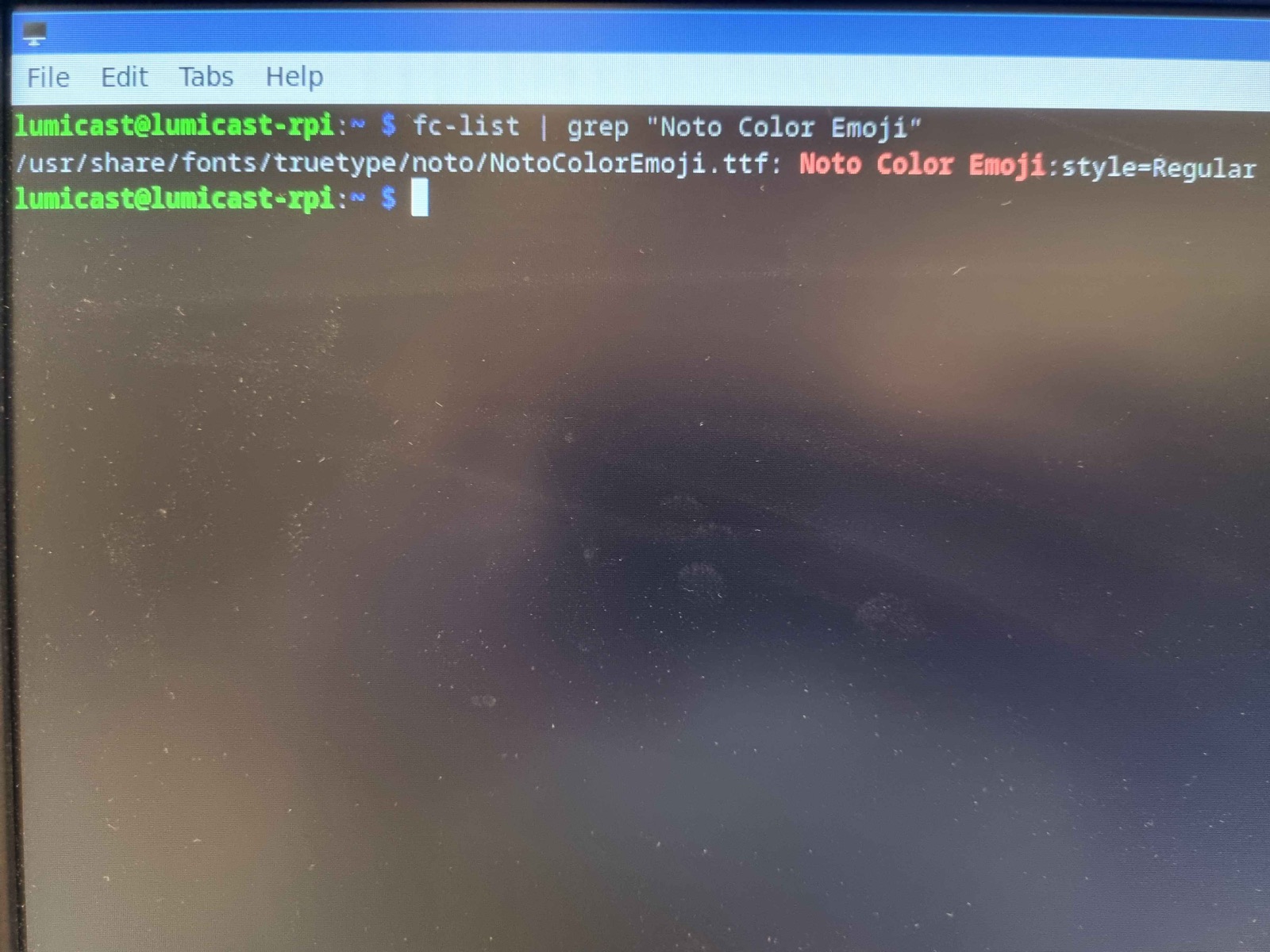
bash
fc-list | grep "Noto Color Emoji"You should see the installed font listed:
Restart the Pixie
bash
sudo reboot