Appearance
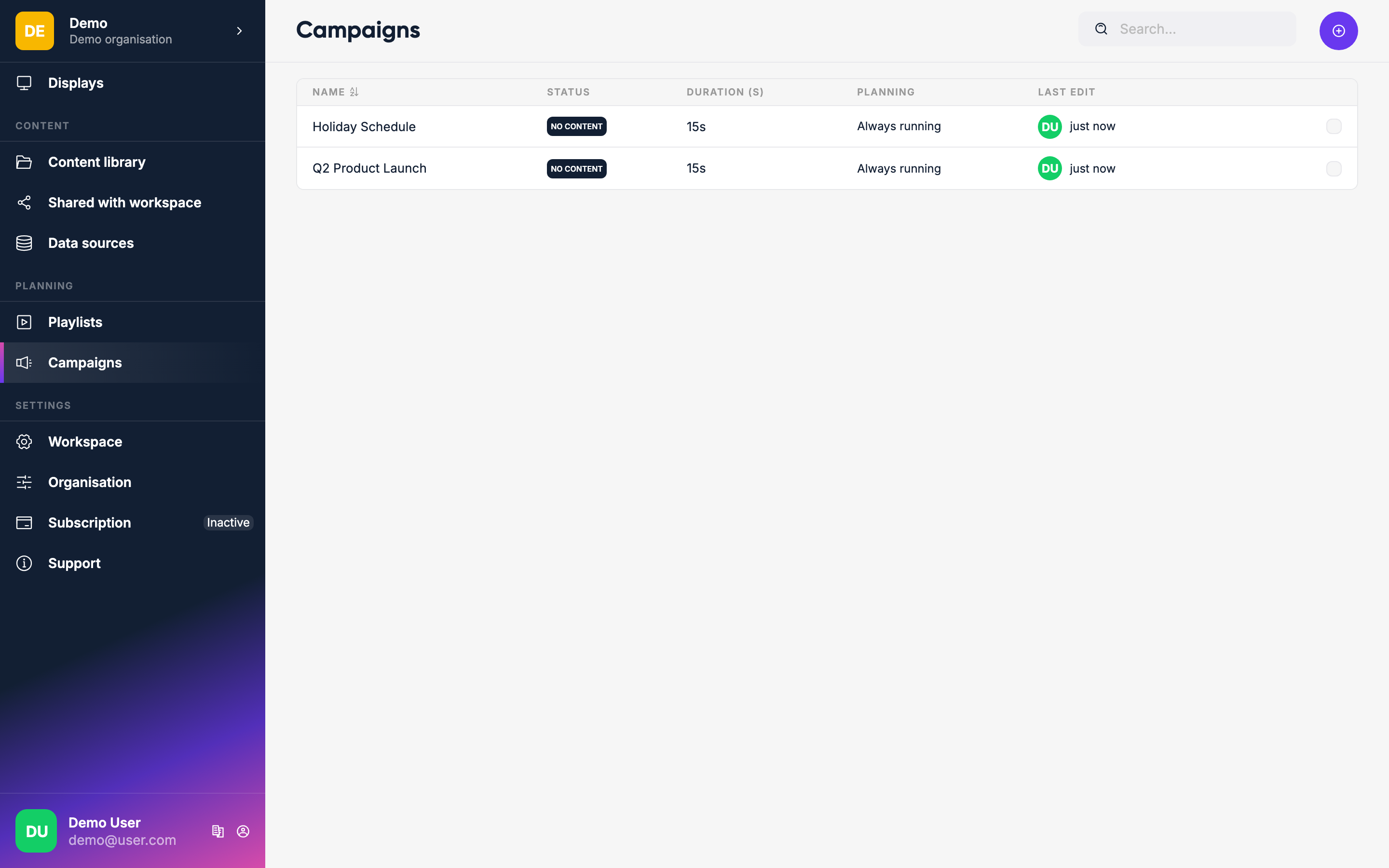
Campaigns
A Campaign is a way to run a set of content for a limited time across specific displays or playlists — without touching each display individually.
What campaigns are for
- Promotions — show sponsor or advertiser content on targeted displays for a specific period
- Events — announce an event at the right locations
- Public announcements — health, safety, or community messages across all relevant screens
Scheduling on playlists vs display tags
When creating a campaign you choose how to target it:
Schedule on playlists
The campaign is merged into the targeted playlists. Inside those playlists, the campaign appears as an item that you can drag to any position.
Schedule on display tags
The campaign is merged with whatever content the tagged displays are already showing:
- Display showing a playlist → the campaign item gets inserted into the playlist loop. Each loop, one campaign item plays in turn.
- Display showing a single item → Lumicast creates a temporary 2-item playlist: the existing item and the campaign item, alternating.
TIP
You can create a campaign before any playlists or display tags exist — it just won't target anything until you pick one. Add the targets later by editing the campaign.
Campaign placement
| Placement | Effect |
|---|---|
| Merge | Campaign content is added alongside the existing content on the display |
| Overrule | Campaign replaces all existing content — only the campaign plays. It still merges with other overrule campaigns. |
Creating a campaign
Click the + button on the Campaigns page.
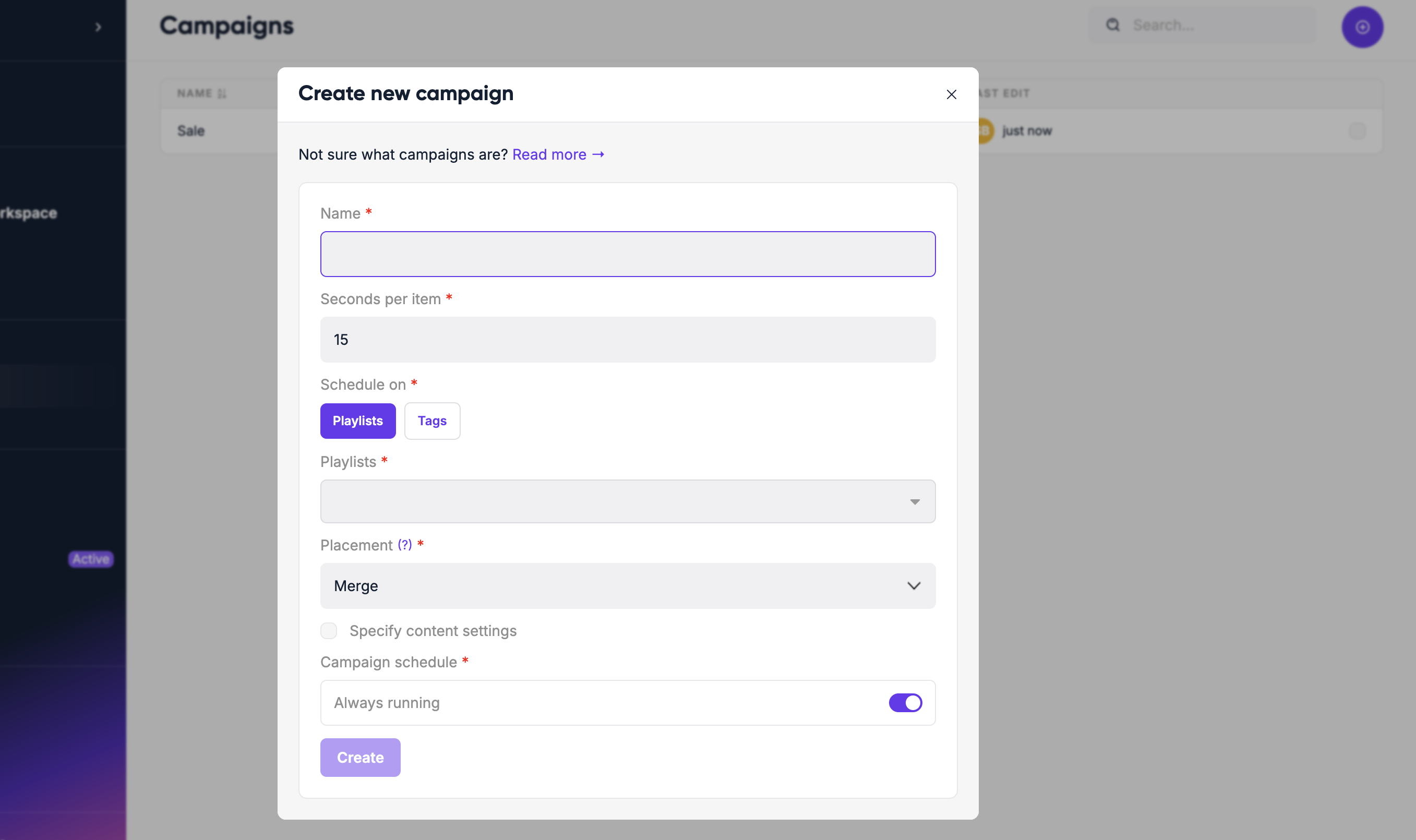
- Enter a name
- Choose Schedule on playlists or Schedule on display tags
- Select the playlists or tags to target
- Set a Duration (s) — how long each campaign item plays
Optional settings
| Setting | What it does |
|---|---|
| Placement | Merge or overrule (see above) |
| Always running | Campaign stays active with no end date |
| Schedule date | Start and end date for the campaign |
| Schedule time | Active hours within each day (e.g. only show during business hours) |
| Recurring | Repeat on a pattern — daily, weekly, monthly, or yearly |
Recurring schedules
Instead of a simple start/end date range, you can define a recurring schedule:
| Pattern | Options |
|---|---|
| Daily | Runs every day (optionally until an end date or after N occurrences) |
| Weekly | Runs on specific days of the week (e.g. Monday and Wednesday) |
| Monthly | Runs on a specific date number, or on a specific weekday (e.g. first Tuesday of each month) |
| Yearly | Runs once per year on a specific date |
This is useful for campaigns that repeat on a predictable schedule — for example, a Friday lunch special or a monthly safety announcement.
Activating and stopping
Click Publish to make the campaign active. Targeted displays immediately pick up the campaign content.
To stop it early, open the campaign and revert it. Or leave it running and it will stop automatically at the scheduled end date.