Appearance
Page Animations
Page animations let you animate individual elements into the page when the page first appears on screen — bringing it to life beyond a static layout.
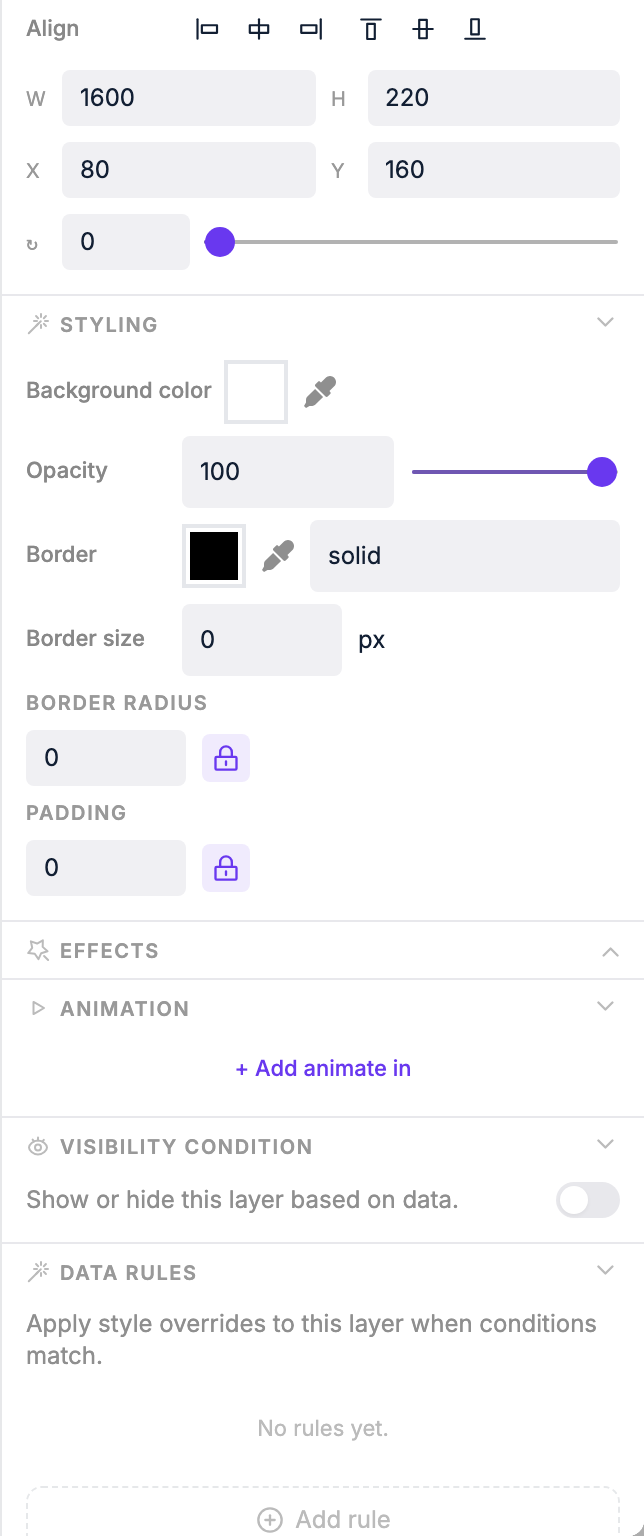
Adding an animation to an element
- Open a page in the Page Editor
- Click any element (text, image, shape, etc.)
- In the right panel, click Add animate in
- Choose an animation type — changing the type replays the animation immediately so you can preview it
Animation settings
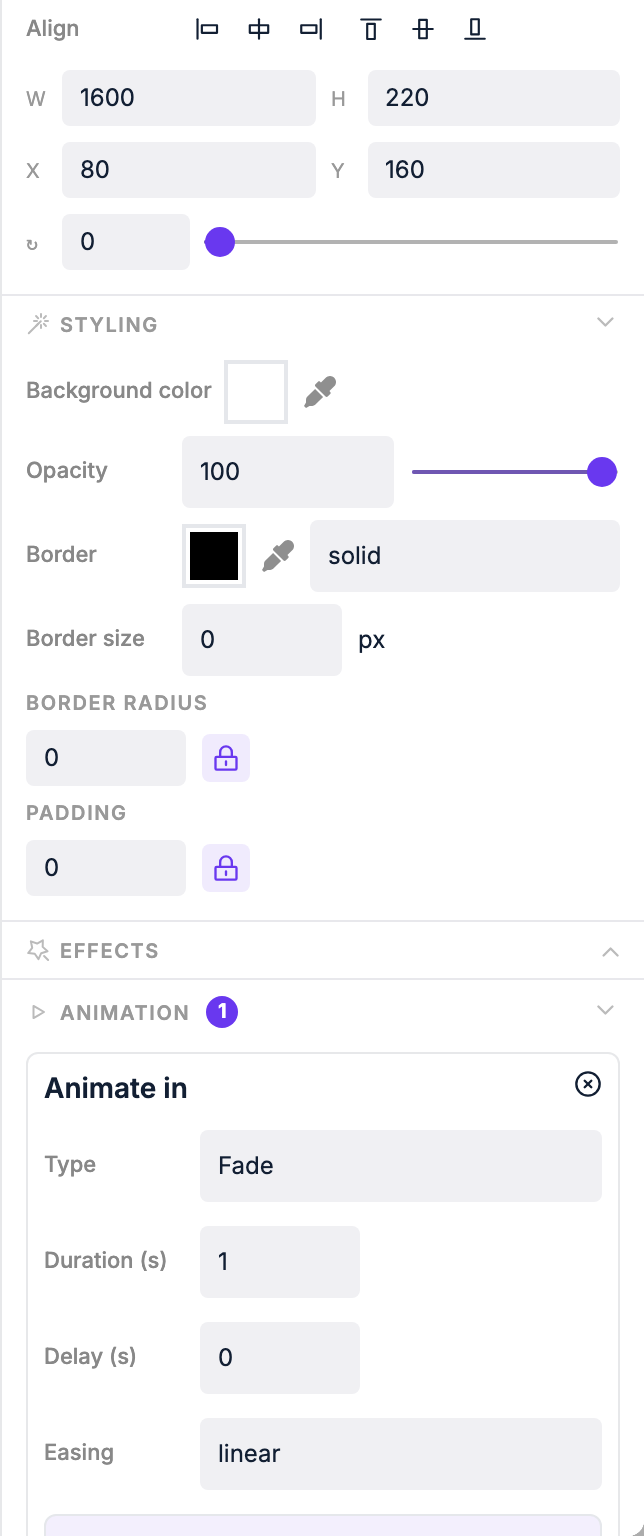
| Setting | What it does |
|---|---|
| Type | The animation style (see options below) |
| Duration | How long the animation takes |
| Delay | How long to wait before the animation starts |
| Easing | The acceleration curve: linear, ease, ease-in, ease-out, ease-in-out |
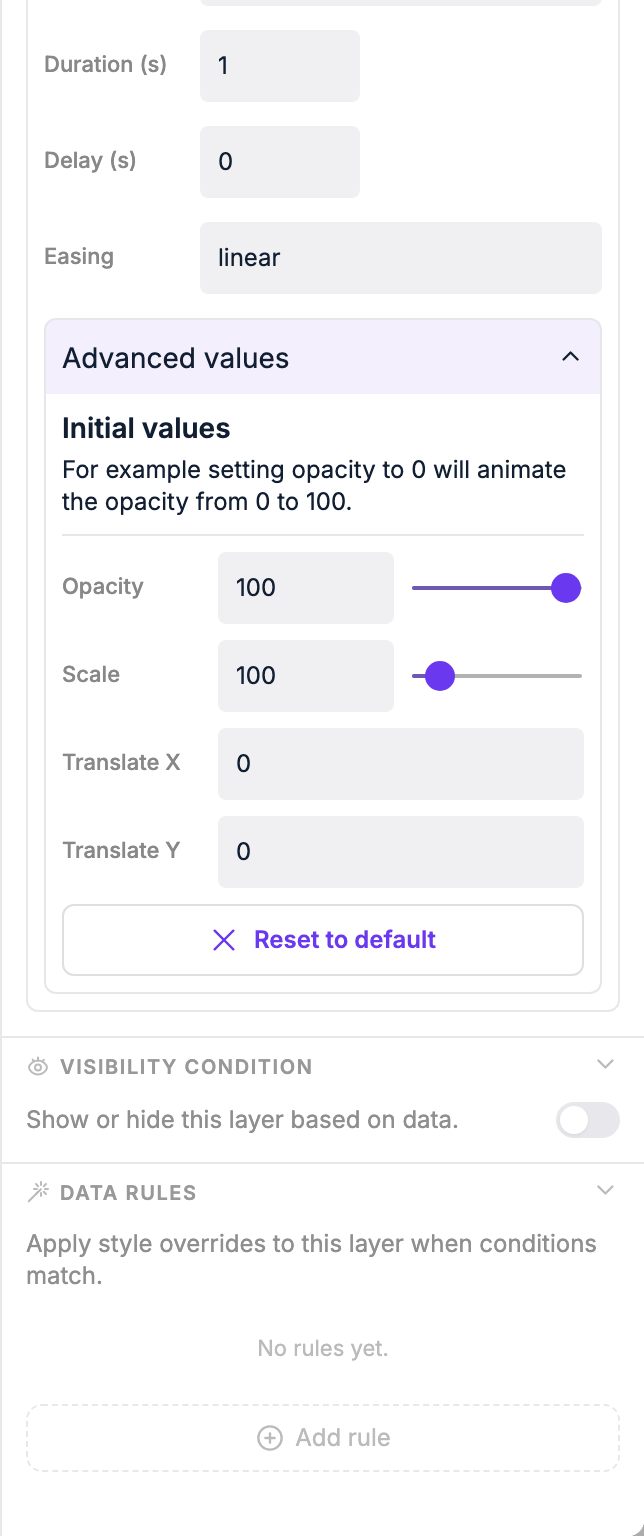
| Initial values | Advanced: set starting CSS values to combine multiple effects |
Animation types
| Type | Effect |
|---|---|
| Fade | Element fades in from transparent |
| Scale | Element scales up from a smaller size |
| Slide Left | Element slides in from the right |
| Slide Right | Element slides in from the left |
| Slide Top | Element slides in from the bottom |
| Slide Bottom | Element slides in from the top |
| Bounce Left | Element bounces in from the right |
| Bounce Right | Element bounces in from the left |
| Bounce Top | Element bounces in from the bottom |
| Bounce Bottom | Element bounces in from the top |
Combining animations
Using initial values you can stack effects. For example: set animation type to scale and set initial opacity to 0 — the element will both scale in and fade in at the same time.
Expand Advanced values on the animation panel to reveal opacity, scale, and translate inputs for the element's starting position.
Previewing animations
After changing duration or delay, the animation doesn't replay automatically. Click the Play animation button at the bottom of the screen to replay all animations on the page at once.
Resetting
Click Reset to default to clear any custom initial values and start fresh.
TIP
Animations may not play on low-end devices (like some SOC displays). Test on your target hardware if smooth animations are important.