Appearance
Add Content
Content is anything that plays on your screens — images, videos, pages you design, or text messages.
Upload media
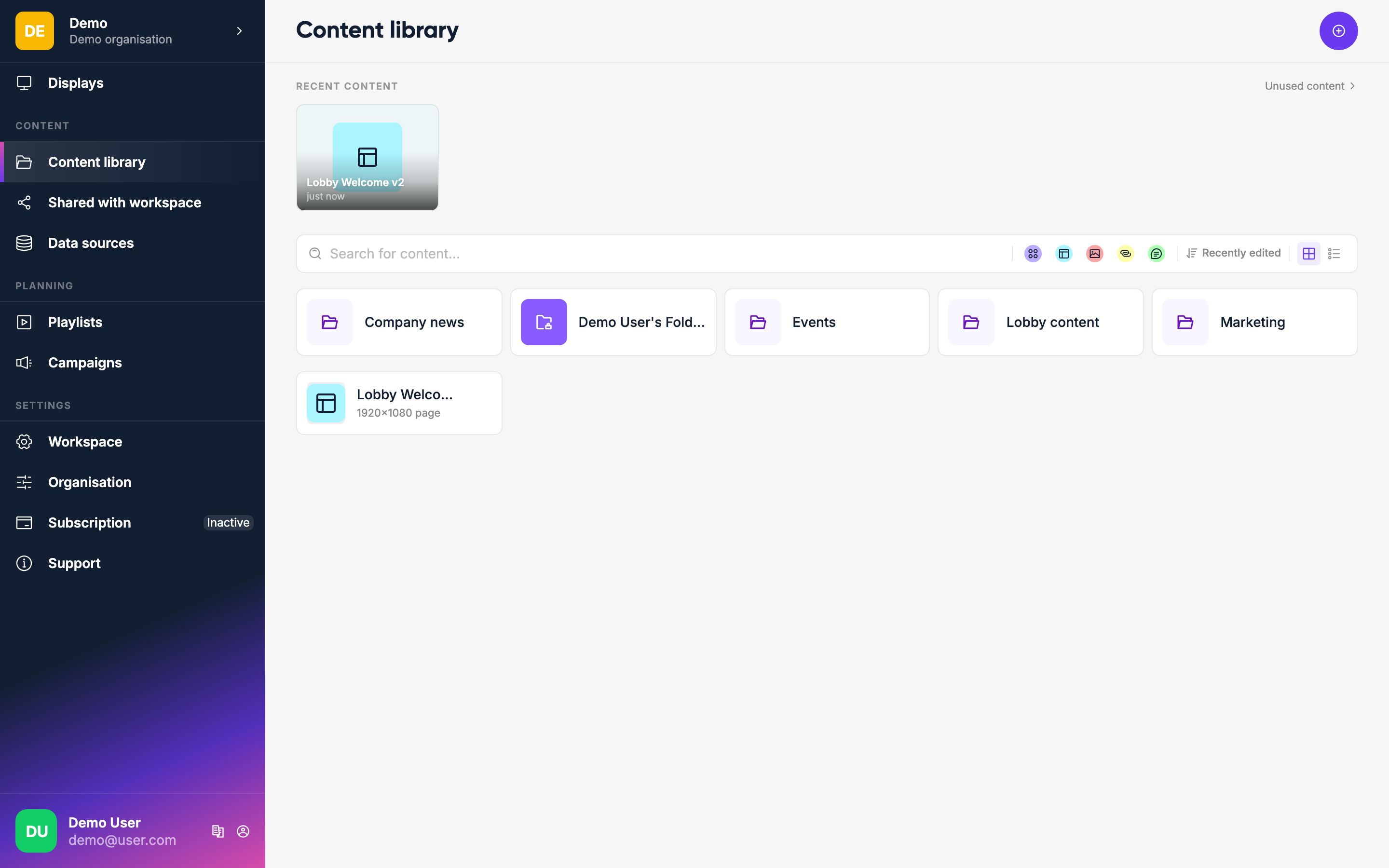
Go to Content in the sidebar. Click Upload and select images or videos from your computer.
INFO
For text-based content, design a page rather than a Message — the Message content type is deprecated and will be removed in a future release.
Supported formats include JPEG, PNG, GIF, MP4, and PDF.
Organize with folders
You can create folders to keep things tidy. Click the folder icon and give it a name. Drag items into folders or use the move action from the item menu.
What's next
Once you have content, you put it into a playlist — which controls the order and duration of what plays on screen.