Appearance
Organisations & Workspaces
When you register with Lumicast, an organisation is created for you, and your first workspace is created inside it automatically.
The relationship
An organisation can contain multiple workspaces. Each workspace has its own displays, content, users, and settings — completely separate from other workspaces.
Example use cases:
- Your company has multiple locations: each location gets its own workspace, all under the same organisation
- Different teams manage different screens: each team gets their own workspace, and content can be shared between them
Most day-to-day work happens inside a workspace.
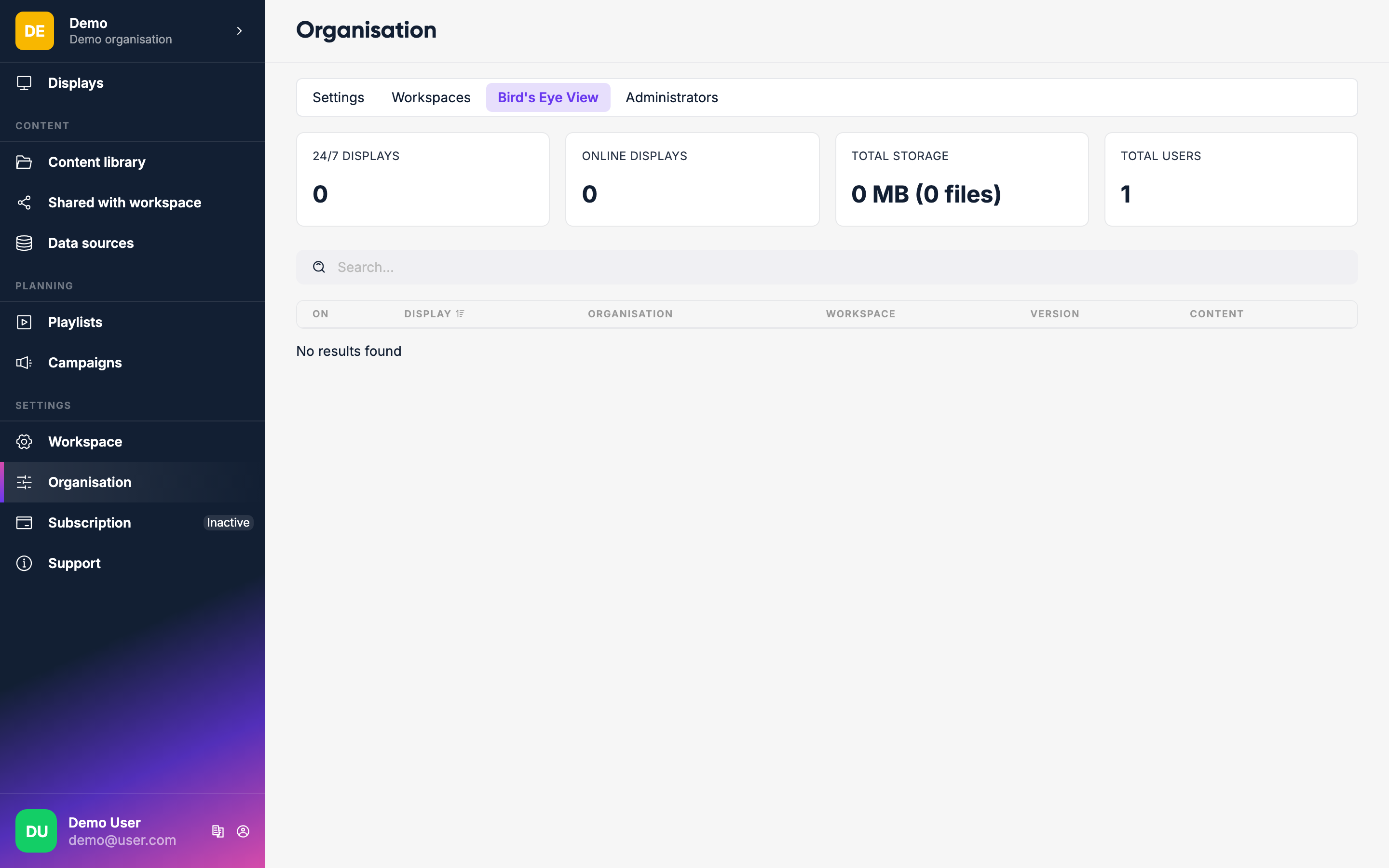
Bird's Eye View
From the organisation level, go to Bird's Eye View to see all displays across every workspace at a glance — useful when managing large deployments across multiple sites or locations.
Multiple workspaces
To create additional workspaces, go to the organisation settings. Users can be members of different workspaces, so a person who manages both the lobby screens and the office screens can have access to both workspaces without needing separate accounts.